Theo AI
Theo is the AI assistant built into OpenCharts. It can create projects, research topics, generate media, write code, and manage your workspace — all through natural conversation.
Meet Theo
Theo appears throughout OpenCharts — as the sidebar companion (an animated character that reacts to your activity), in the AI Chat interface, and as an assistant inside editors (notes, presentations, whiteboard).
Theo is made by the OpenCharts team. It adapts its capabilities based on which mode you select.
11 Chat Modes
Switch modes using the mode selector at the top of the chat input. Each mode routes to a different AI model optimized for that task.
Fast
Quick, concise answers for everyday questions.
Think
Deep reasoning for complex problems.
Image
Native AI image generation from text descriptions.
Voice
Real-time streaming voice conversations.
Code
Full-stack code generation with live preview.
Research
Multi-source web research with professional document output.
Learn
Complete study suite from a single topic.
Explore
Conversational exploration with proactive web search.
Video
AI video generation from any topic.
Consensus
7 AI models answer in parallel for cross-validated results.
Social
Interactive calendars and content planning.
What Theo Can Create
Ask Theo to build any of these artifact types directly from chat:
Generative UI
Theo can render rich, interactive components directly inside chat messages — charts, metric cards, tables, and more. These aren't static images; they're live, interactive elements.
Memory
Theo remembers across conversations. It automatically extracts preferences, facts, and instructions from your chats and uses them in future conversations.
You can also explicitly tell Theo to remember something: "Remember that I prefer dark themes" or "Note that our company uses React."
Theo Stealth (Private Mode)
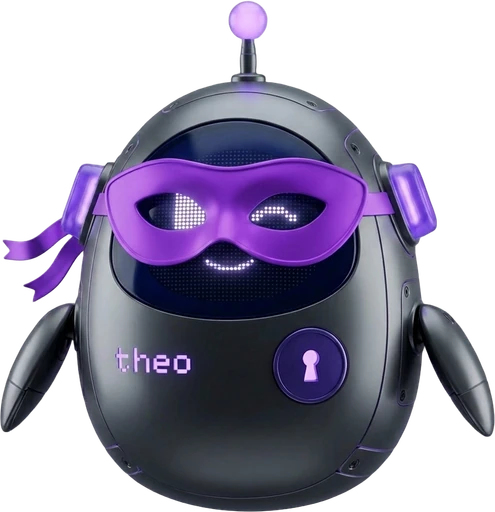
Flip the lever-style toggle in the chat sidebar to enter Theo Stealth — a zero-retention private mode where nothing is saved, nothing is tracked, and your session vanishes the moment you leave.
11 modes · memory · skills · history
3 modes · no memory · no history
Skills & Automation
Extend Theo's capabilities with skills — installable modules that add specialized knowledge, scheduled tasks, and event-driven automations.
E.V.I. Execution Canvas
E.V.I. (Executable Visual Intelligence) turns any flowchart into a live AI pipeline. Click "Run with Theo" in the flowchart editor, and Theo walks through each node — making decisions, calling APIs, sending emails, and creating presentations — all in real time.
Each node maps to a skill across 5 categories: triggers, AI processing, integrations, outputs, and human approval gates.
AI Credits
Every Theo interaction uses AI credits. Different modes consume credits at different rates — Fast mode is cheapest, while Research, Learn, and Video modes use the most.
Related Articles
AI Chat
Conversational AI that creates flowcharts, whiteboards, notes, and presentations from natural language.
Theo Stealth (Private Mode)
Zero-retention private AI mode — ephemeral conversations, uncensored image & video generation, no history or memory.
Code Mode
Live-preview code artifacts with multi-file support, shareable links, and popular framework templates.
Consensus Mode
Query 7 AI models simultaneously, see agreement levels, and get a synthesized consensus answer.
Theo Memory
Theo remembers your preferences, facts, and instructions across conversations for personalized AI.
Skills & Automation
Install skills to extend Theo, automate tasks with hooks and workflows, and manage credit guards.