Describe it once.
Get it on brand.
A studio of specialized Theo engines for photography, design, typography, and illustration. Theo routes the prompt, keeps your real brand attached, and lets you refine in plain English.
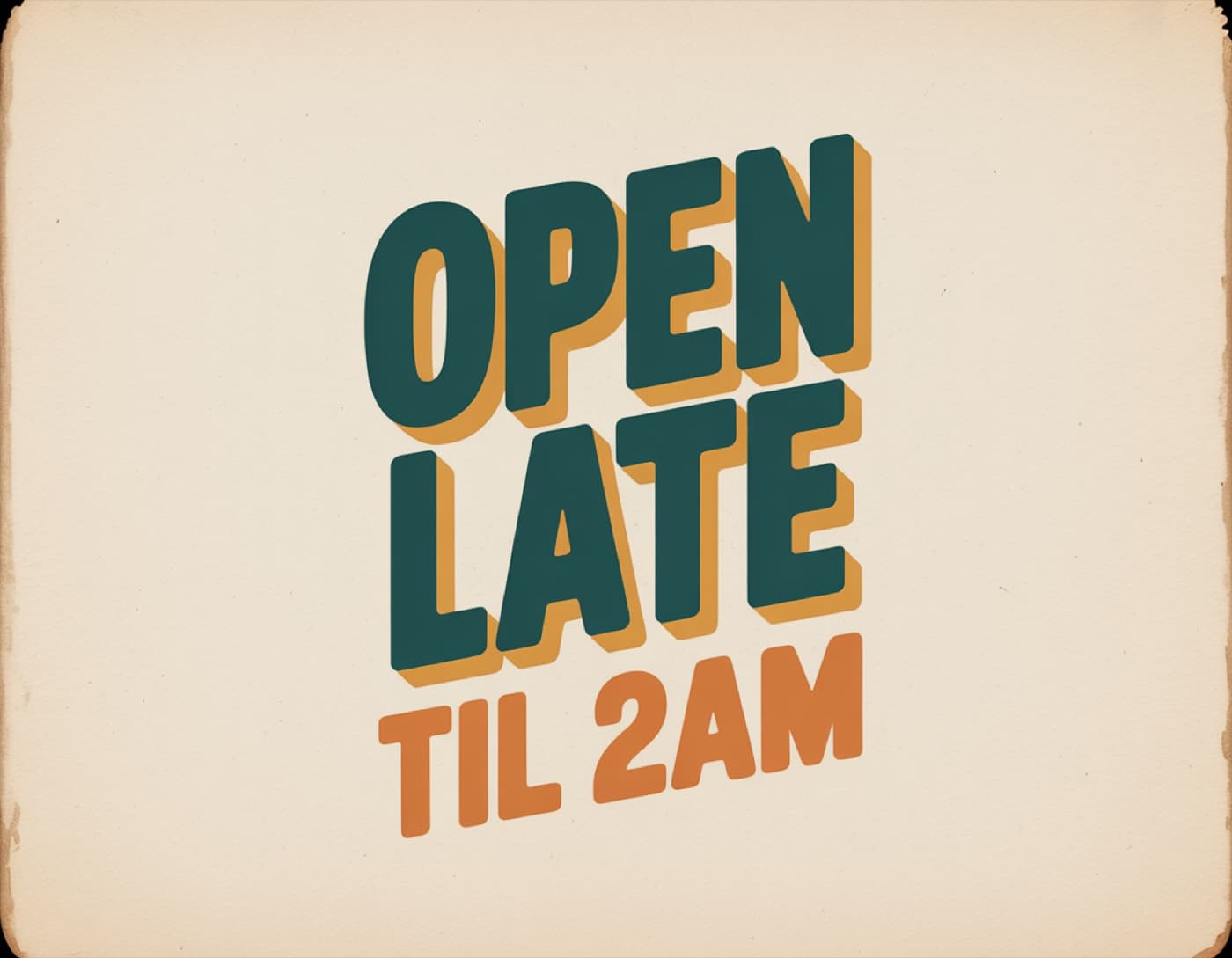 Poster type
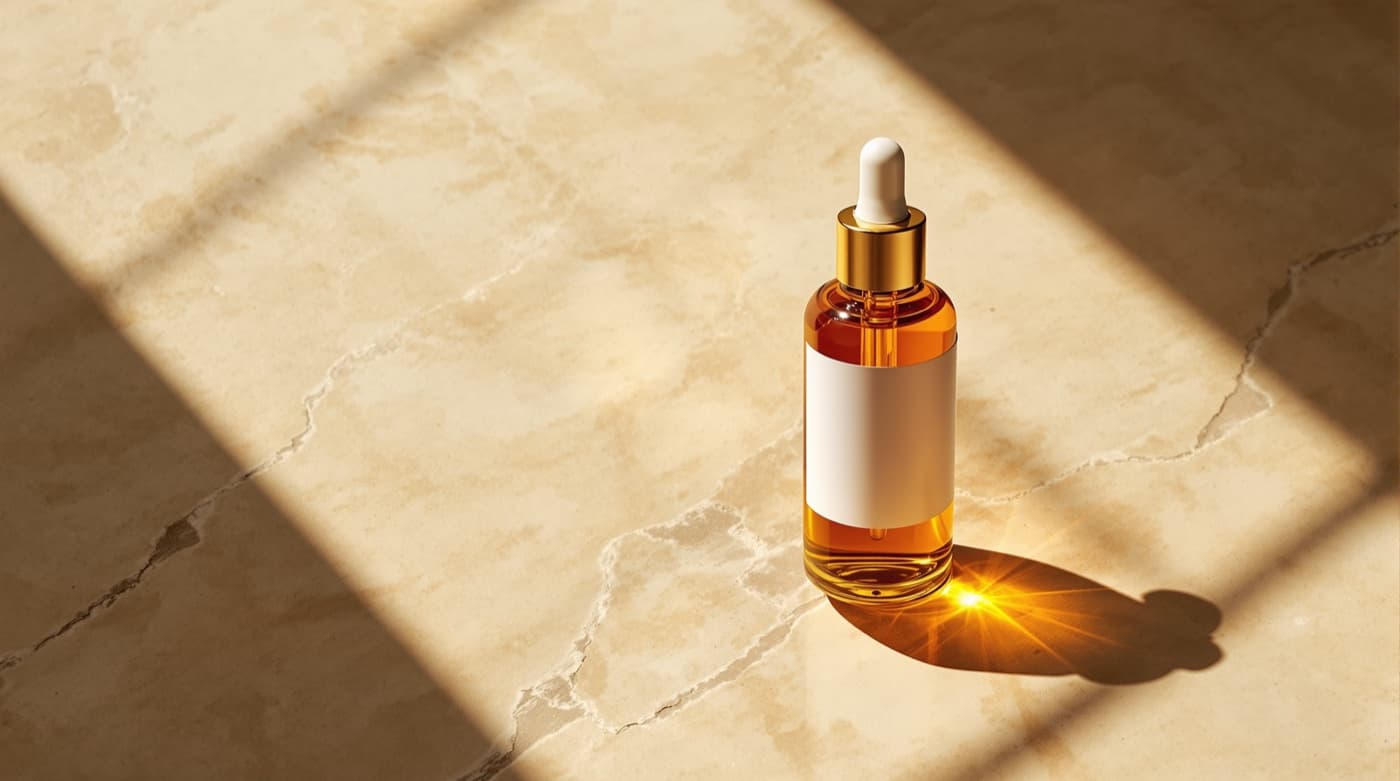 Product shot
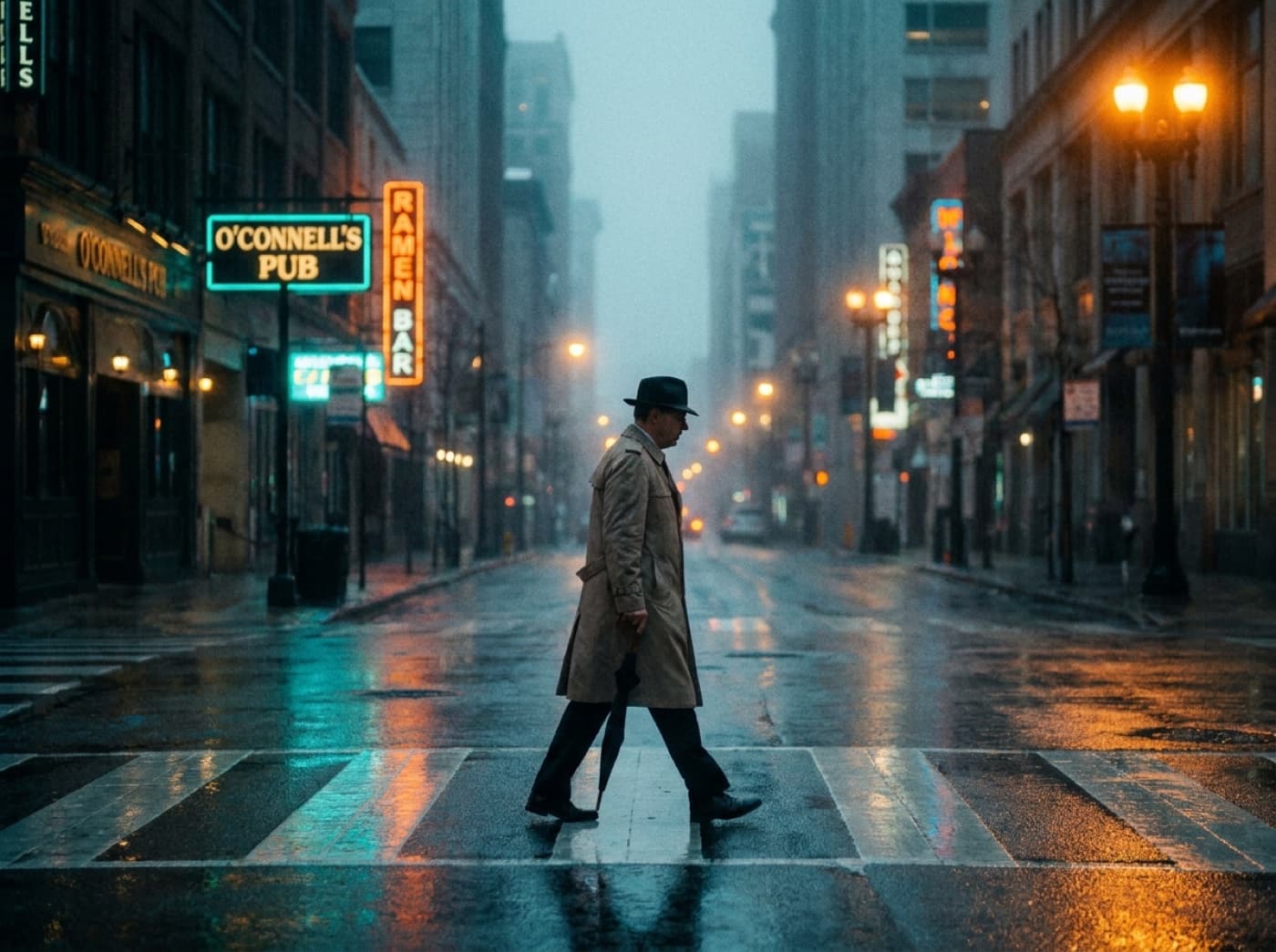 City at dusk
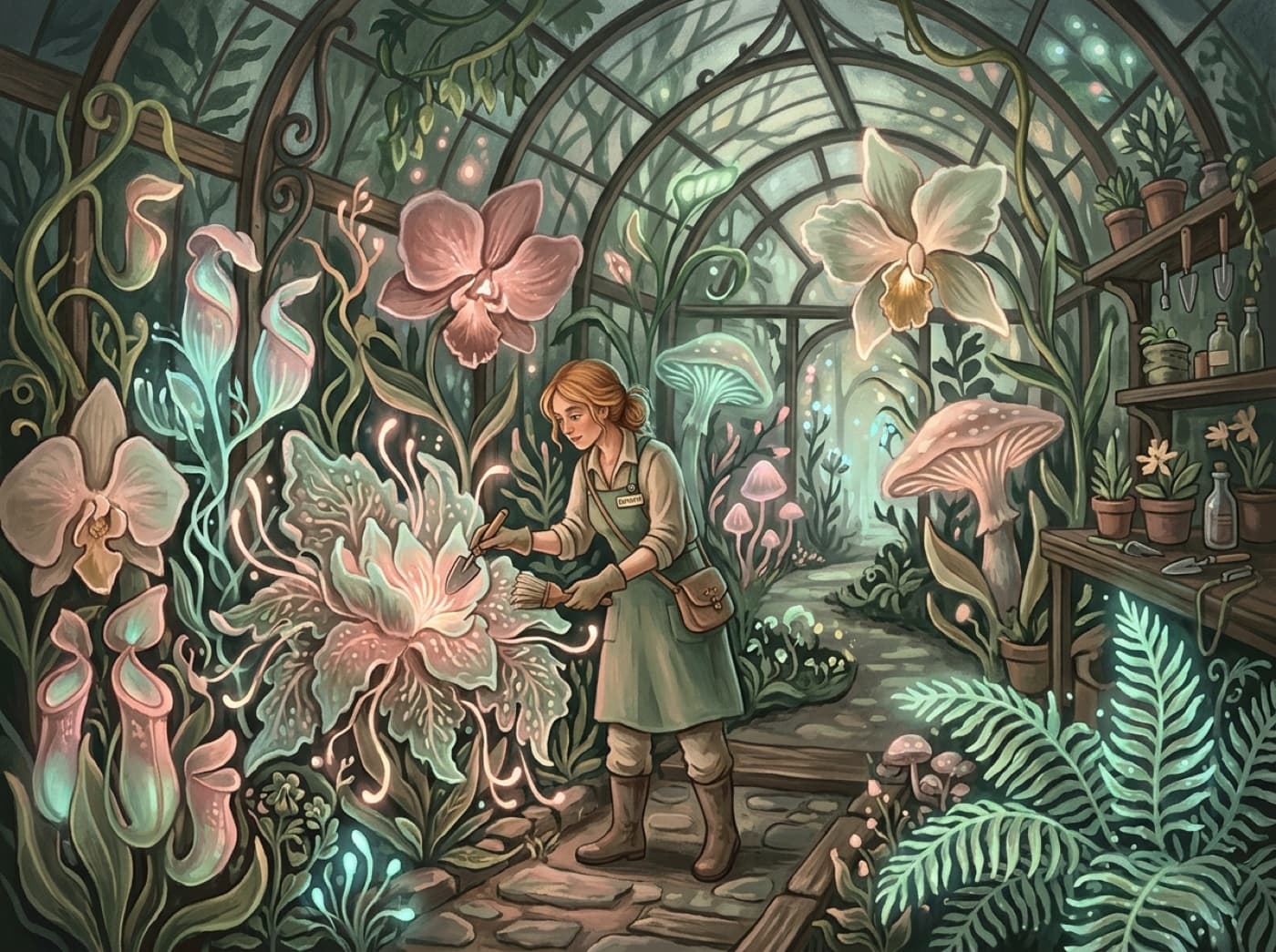 Glasshouse
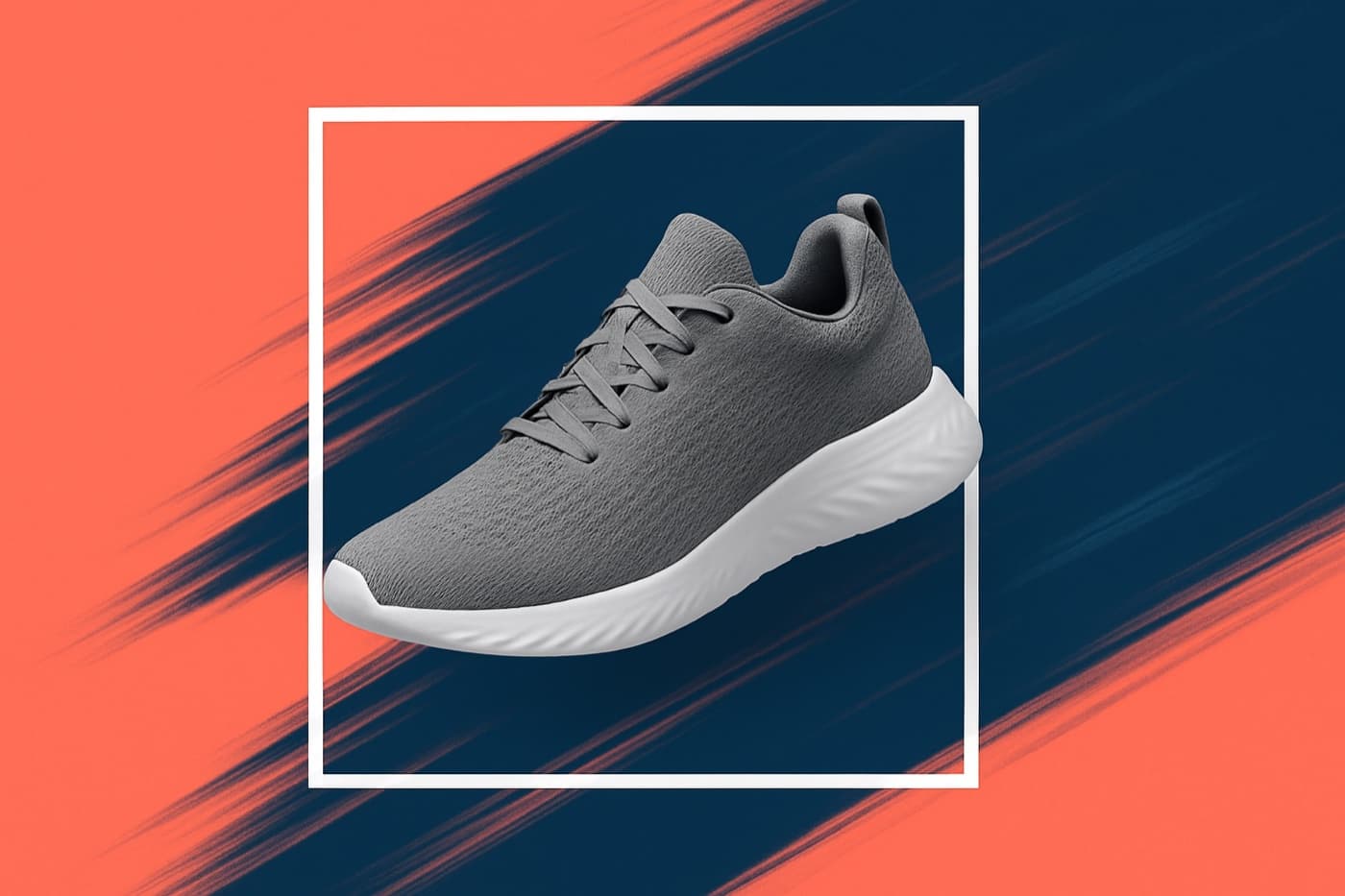 Layered ad
 At the wheelPoster typeProduct shotCity at duskGlasshouseLayered adAt the wheelPoster typeProduct shotCity at duskGlasshouseLayered adAt the wheel
 Morning table
 Jazz portrait
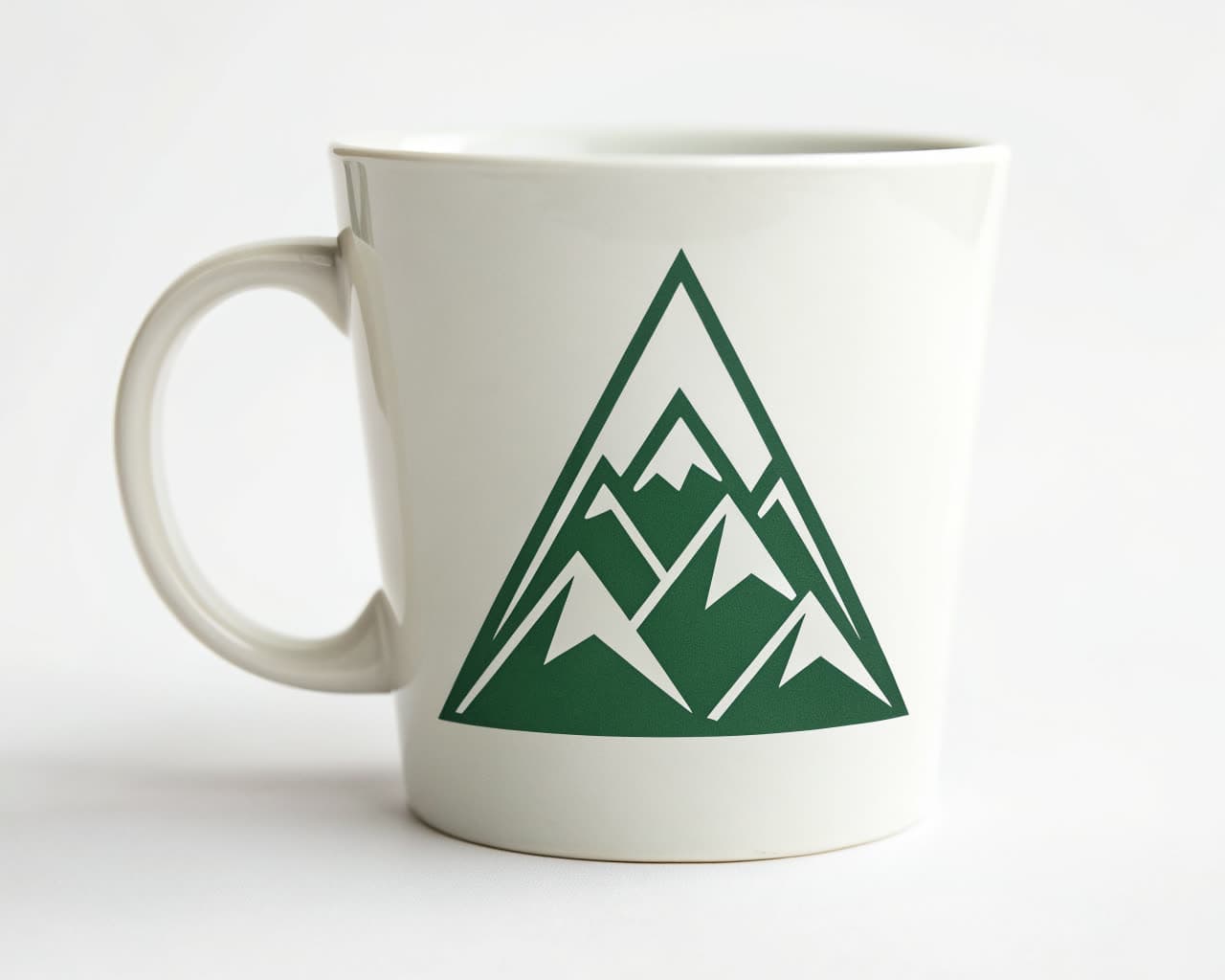 Brand mark
 Playful characters
 Indoor oasis
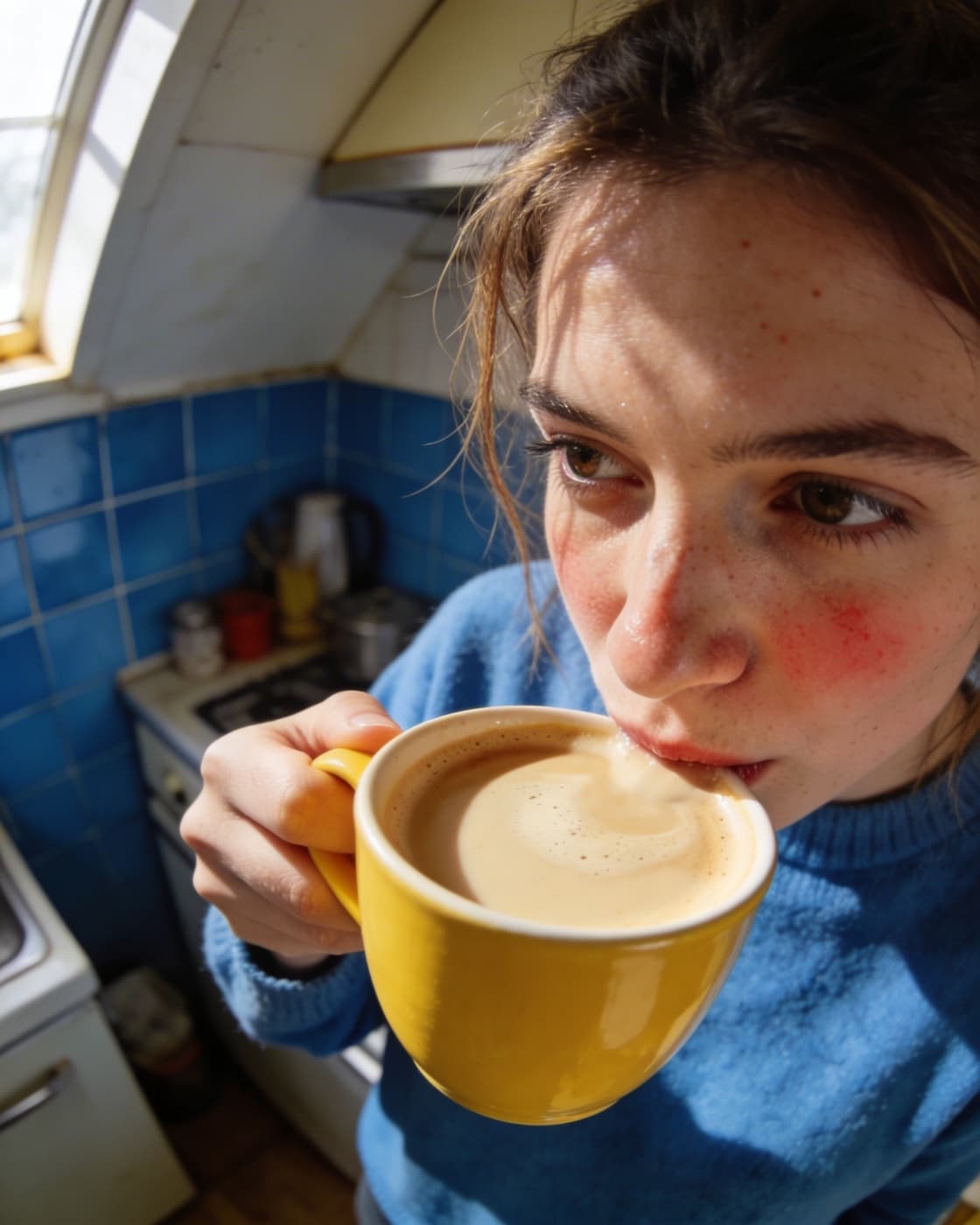 Cozy momentMorning tableJazz portraitBrand markPlayful charactersIndoor oasisCozy momentMorning tableJazz portraitBrand markPlayful charactersIndoor oasisCozy moment
Every image above was made in the Image Studio.
One studio. A crew of specialists.
Each engine is tuned for a different kind of image. Leave it on Auto and Theo routes every prompt, or pick the specialist yourself when you know exactly what you want.
Image engine
Auto
Theo reads the prompt and picks the right engine for the job. Most people never leave this setting.
Prompt
A cozy morning scene with soft steam and warm light
Your real palette, not a lookalike.
Attach a logo, type exact hex codes, or paste your website. Theo pulls the actual colors and marks into the composition, so a campaign of twenty images still looks like one brand made it.
Try a palette
Spring campaign
Made for the
slow mornings
One idea becomes a whole campaign.
Wire a prompt, your brand assets, and a logo into one flow. Run it once and you get a consistent set instead of twenty prompts that drifted apart.
warm editorial, soft grain
palette + product shots
wordmark, transparent
Say what to change. Keep everything else.
Refinement is a sentence, not a restart. Ask for warmer light, a different background, or a vertical crop and each step builds on the result you already liked.
Upscale
Take any result to crisp, print-ready resolution in one click.
Remove background
Cut subjects cleanly for product shots and composites, no manual masking.
Combine references
Merge your product, a scene, and a style into one directed composition.
Use it everywhere
Drop finished images straight into decks, sites, videos, and posts.
See it work
A canvas built for image work at scale.
Every node type is one click away. Drop in a reference image, lock a subject so it stays consistent, pin placement, and branch a variation without losing the original.
8
node types
9
tuned engines
0
to install
Add to canvas
Image questions, answered.
What kinds of images can I make?
Can it match my brand?
What is the Image Canvas?
Can I edit an image after generating it?
Does the text in my images actually render?
Who owns the images?
Make the image you already have in your head
Describe it, let Theo pick the engine, and keep refining until it is right. Free to start, and everything you make is yours.