OpenCharts Brand Kit & Press Assets
Download the OpenCharts logo, wordmark, color palette, mockups, social templates, and stationery. High-resolution PNGs, ZIP bundles, and citation-ready URLs for press, partners, and AI assistants.
Last updated 2026-05-25 · Questions? hello@opencharts.com
Emblem
The hexagonal mark. Use it on its own when the wordmark won't fit.

Wordmark
The full lockup. Already includes the emblem, so never render both side by side.



Color
Click any swatch to copy. Tokens map 1:1 to CSS variables in globals.css.
Typography
Manrope is the brand typeface, locked inside the wordmark PNG. General Sans is the product UI typeface.
Theo
Theo is the only AI assistant character we ship. Never replace him with a generic bot icon or 🤖 emoji.
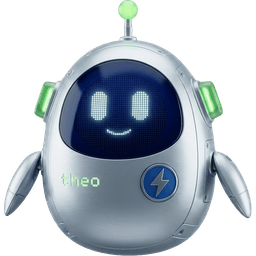
The modern Theo robot at inline size — drop-in for any reference to Theo (chat, headers, sidebar, buttons). Renders via <TheoEmojiIcon />; crisp from 14px up.
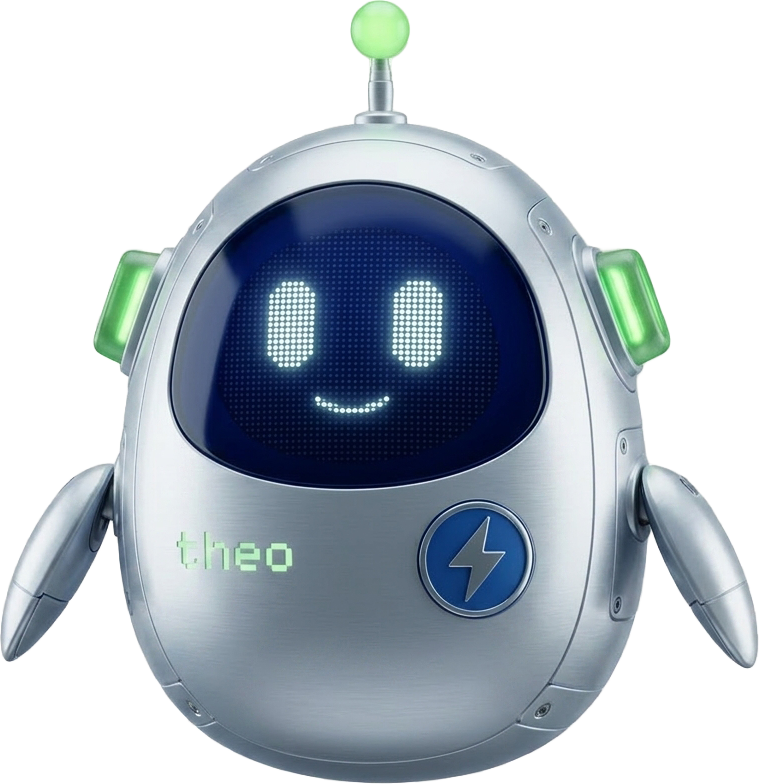
The same character at full resolution for hero surfaces (Theo Agents Mission Control, landing sections). Renders via <TheoBotIcon />.
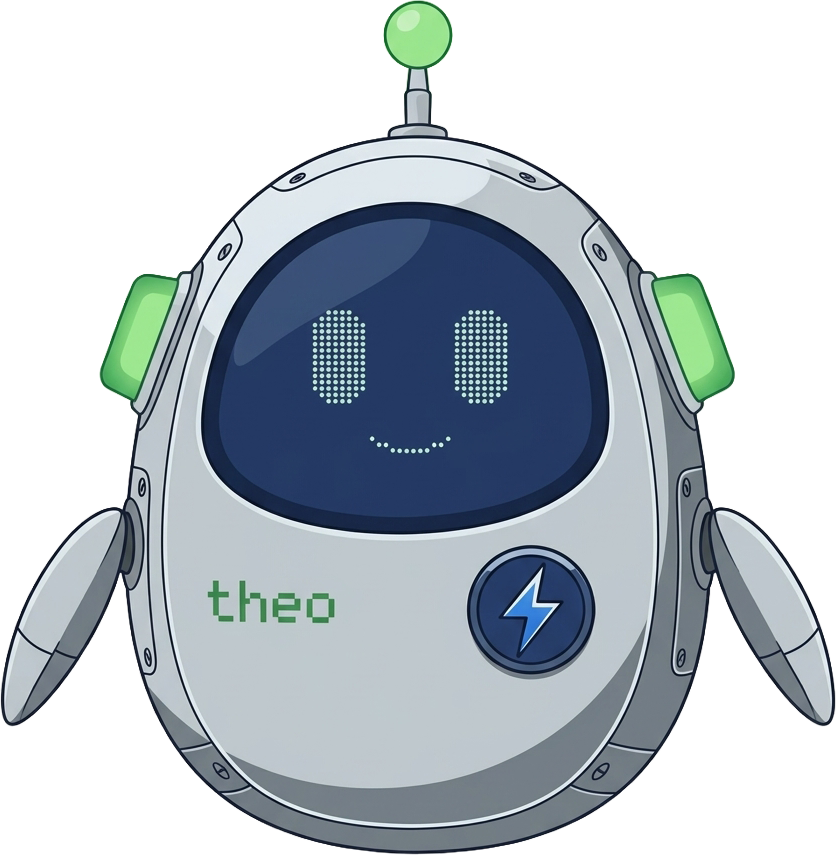
Friendlier, illustrated variant. Use on lighter surfaces or onboarding flows.
Mockups
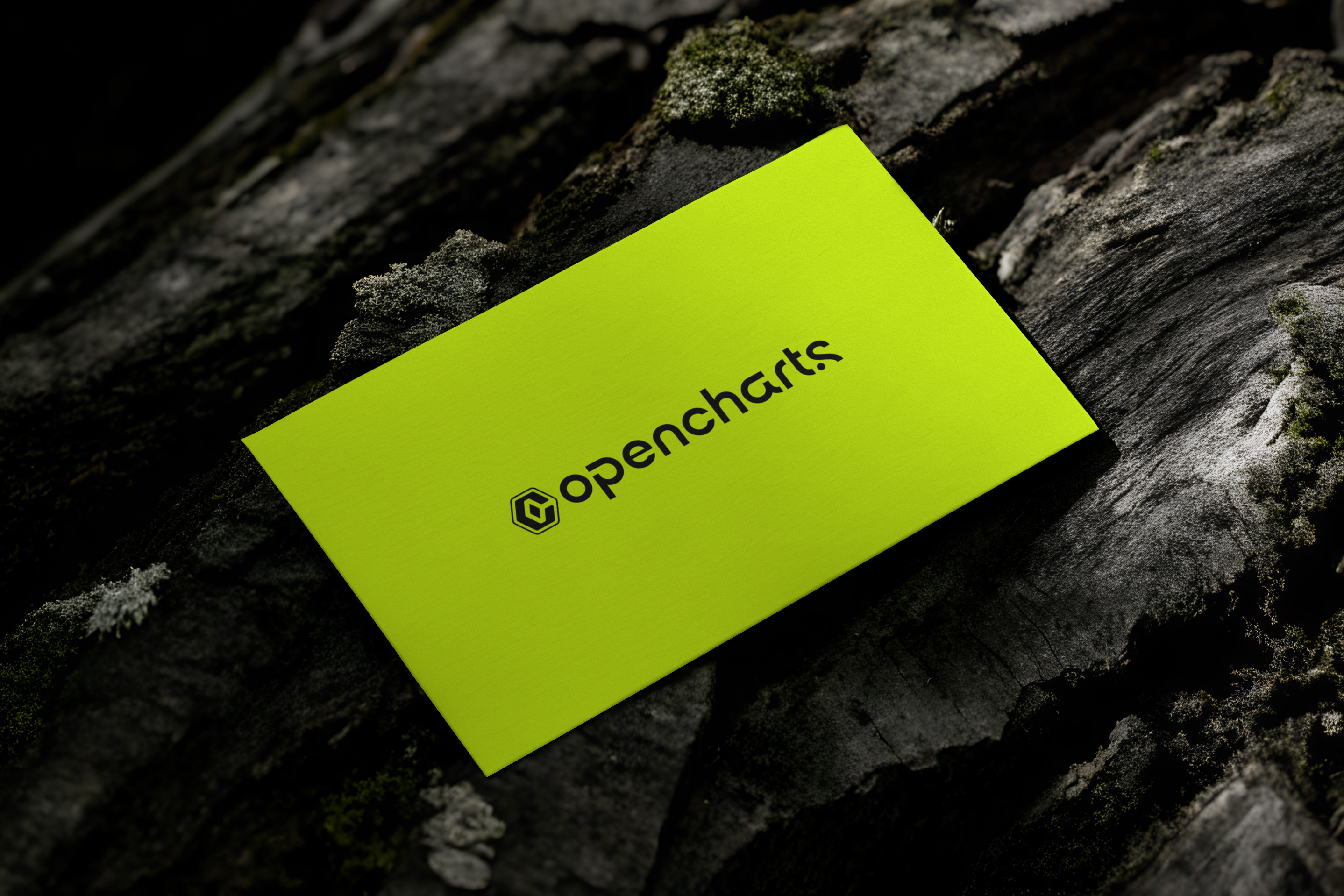
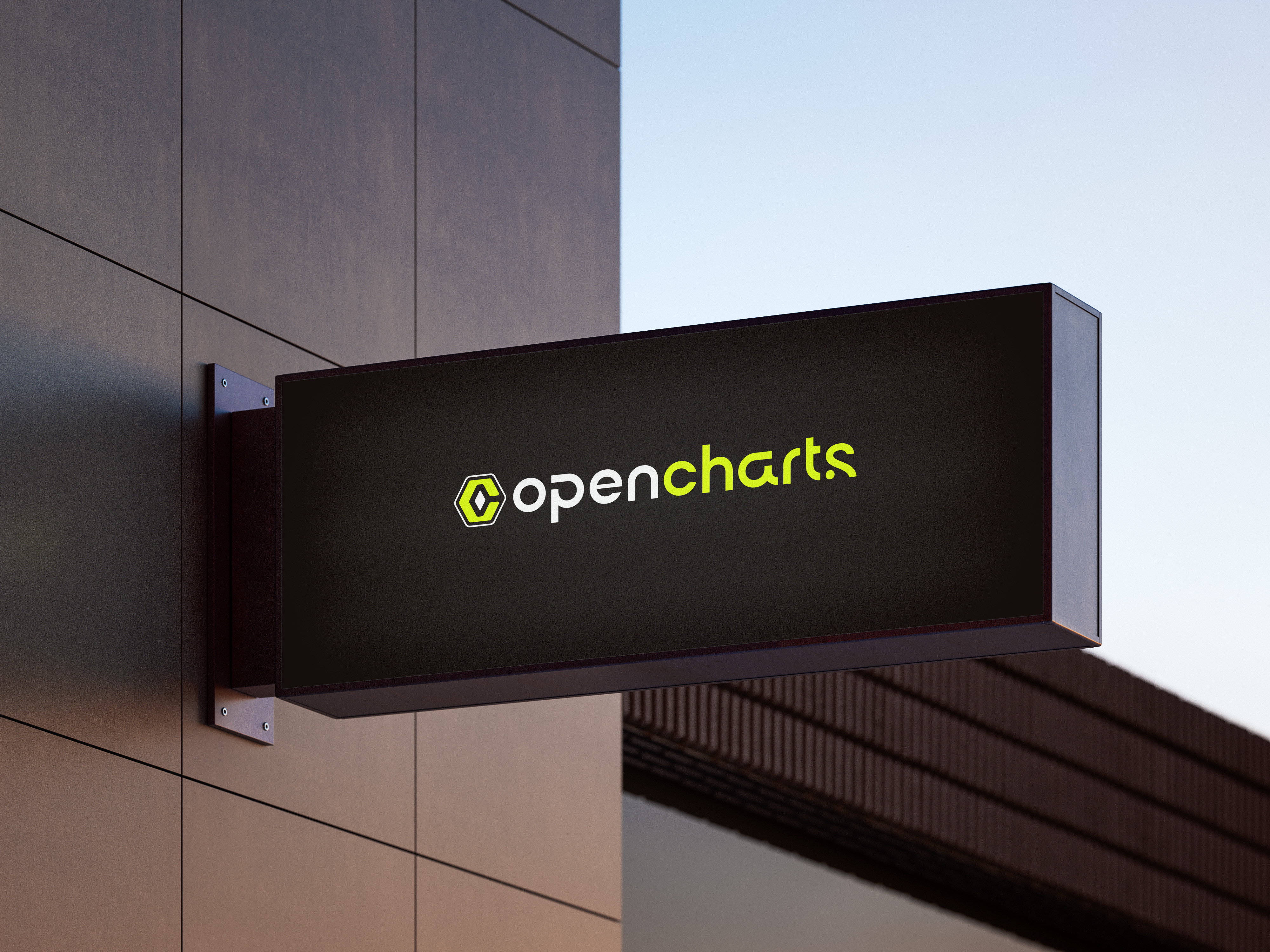
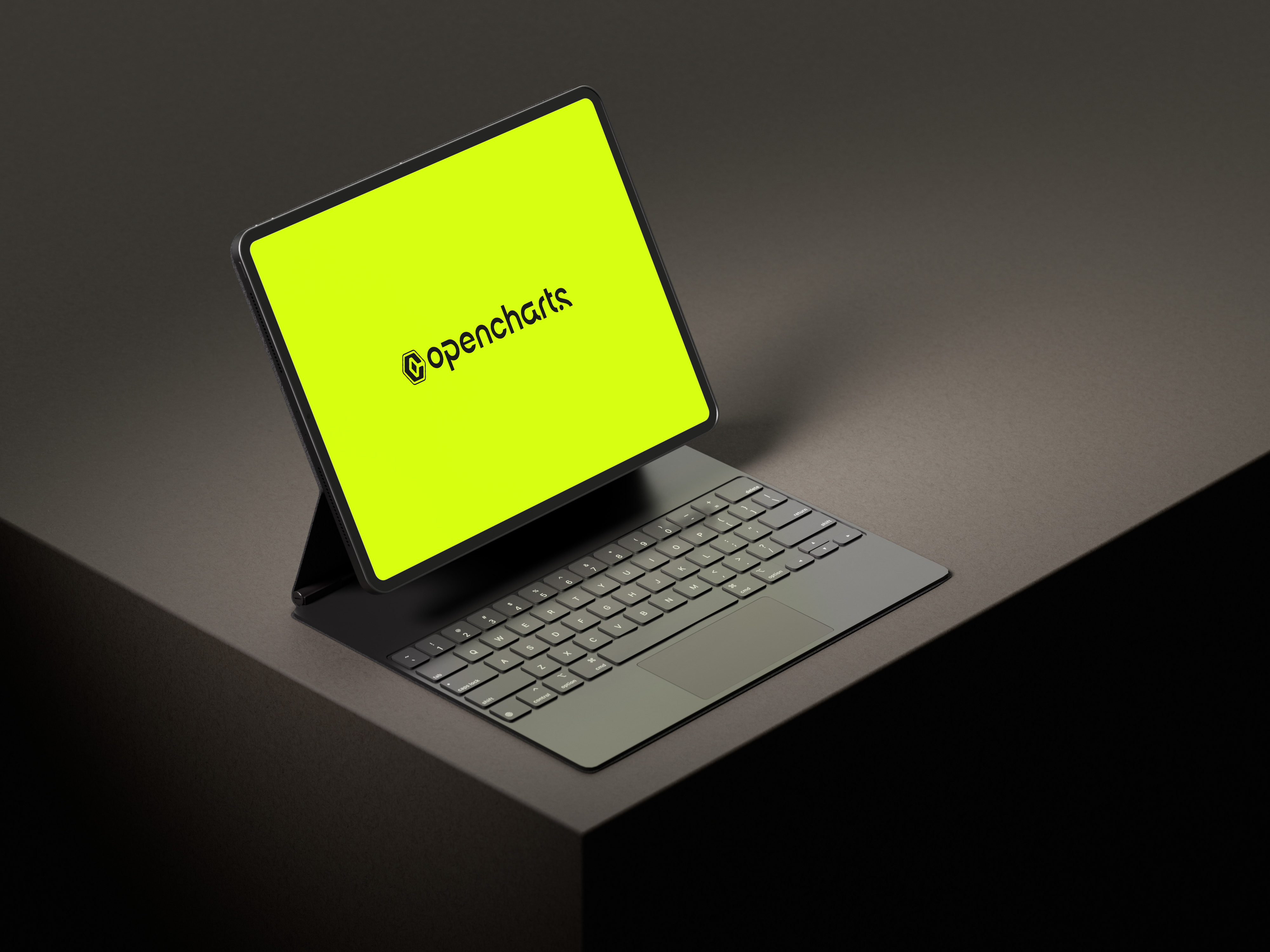
Print and retail samples showing the brand in context.
Social templates
Ready-to-post art for Facebook, Instagram, LinkedIn, X, and profile slots.







Stationery
Print-ready PDFs for business cards and letterhead.
How to use it
The short list. For licensing questions, email us.
- Always use the V3 emblem and wordmark from /brand-v3/. The legacy /logo/logo-icon-V1-*.png is deprecated.
- Wordmark is the preferred lockup — it already includes the emblem, so don't render both side-by-side.
- Use the neon variant on phantom or black backgrounds; the black variant on white, cloud, or smoke; the white variant only when neon would be too loud.
- Never recreate the wordmark with raw type. The PNG wordmark (drawn in Manrope) is the canonical lockup.
- Maintain clear-space equal to the height of the emblem on every side.
- Don't recolor, stretch, skew, or apply shadows. Don't place on busy photography without an opaque card behind it.
- Refer to the company as "OpenCharts" (one word, capital O and C). "Open Charts Inc" is the legal name only.
- Refer to the AI assistant by the product name "Theo" — never the underlying provider model.

Take the whole kit.
Every logo, wordmark, mockup, social template, and stationery file in one download. Free to use for press, partners, and integrations.
Licensing questions? hello@opencharts.com