One AI workspace for everything you do
Docs, decks, sheets, websites, videos, agents. Describe it and Theo builds it with you. One subscription that replaces the stack.
Free to start · No credit card · Works in your browser
Home
Your desk. One composer starts anything, and everything you were working on is right underneath it.
What are we making today?
A live replica. Click anything in the sidebar to look around. Tools open their own page.
Every tool your team needs, in one place.
Flowcharts, decks, notes, code, video, and the agent that runs them all. Here is what changes when the whole stack lives together.
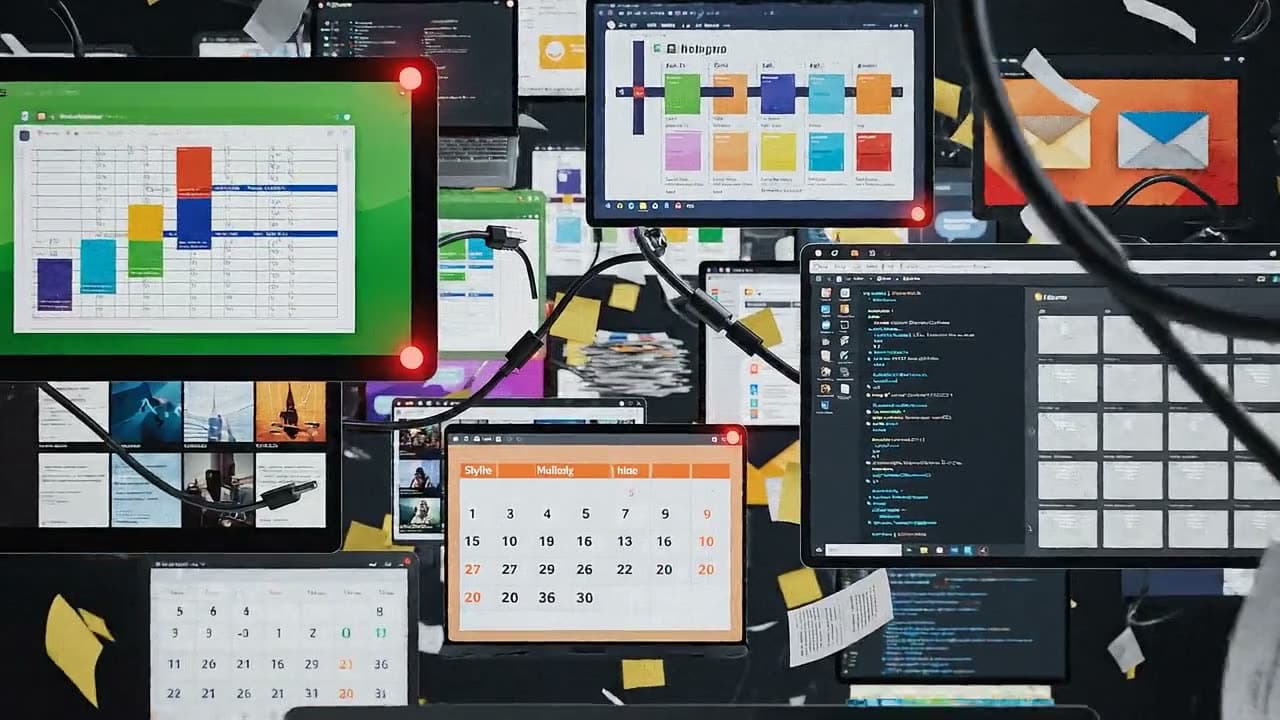

Before OpenCharts
After OpenCharts
Six tools, forty tabs, and the file you need in none of them.
One calm workspace, with Theo running the busywork.
Direct films, scene by scene
Director Mode turns a plain brief into scenes, takes, and a final cut. Pick a tier, roll another take, and keep the one that lands.

Theo Chat builds real things
Ask for a deck, a sheet, a site, or an answer. Theo works in the browser or over Telegram and hands back finished artifacts, not just text.
Theo workflows run the busywork
Describe the job once. Agents trigger on schedules and events, take every step for you, and log each run with approval gates where it matters.
Every AI engine, one Theo
Images, video, music, code, and deep research behind a single assistant, with your brand kit carried into everything it makes.
A living library of your work
Everything you and Theo make lands in one organized library: folders, instant search, and version history on every project.


Drive keeps every file close
Upload anything, preview it instantly, and share it with links you control. Files live right beside the work they belong to.

Sidekick types what you say
A free desktop app for Mac and Windows. Hold a key in any text field, talk, let go: Theo drops the fillers, matches the tone to the app, and types the finished text at your cursor.
AI for everything. Zero switching.
One assistant with a purpose-built mode for everything: instant answers, deep reasoning, images, video, music, code, research, and cross-validated truth. Every mode included free.
Auto
Theo picks the best mode for your message.
Theo SidekickStop typing. Just say it.
A small desktop app for Mac and Windows, free with your OpenCharts membership. Put your cursor in any text field, hold a key and talk. Theo drops the fillers, fixes the grammar, matches the tone to the app you are in, and types the finished text right where you were writing.
Signed, notarized and self-updating. Sign in with the account you already have; there is nothing extra to buy.
- macOS 14 or later · Apple silicon and Intel
- Windows 10 or later · 64-bit
- iPhone keyboard in private testing
Mail, chat, docs, code editors, the browser: anywhere your cursor blinks. Twenty four languages, and you can switch mid-sentence.
Casual in a chat, formal in an email, a precise brief in a coding tool. Theo reads which app and field you are in and picks the tone, with four writing personas chosen by app.
Dictate a bug and Sidekick offers to file it in Linear. A page in Notion, a message in Slack, an email in Gmail, a note in Theo Notes: one tap, and never without asking.
Transcripts and recordings stay on your own machine. On Apple silicon you can switch transcription to run entirely on device. And on the Mac, in beta, Sidekick is also an assistant: hold the orb and ask Theo about anything on your screen, and it answers out loud, points at the control and can do it for you.
Design AI agents the way you draw flowcharts.
Theo workflows are persistent AI teammates you design like a flowchart: triggers, Theo's decisions, real connectors, human approval gates, and real deliverables, all running live.
 Agent builderAsk Theo
- Added a Schedule trigger for Mondays at 8:00 AM
- Connected HubSpot and pulled SQL-stage contacts
- Added a Theo step that reasons about lead fit
- Added an approval gate before anything sends
- Added Gmail delivery for the Monday brief
This is the real Designer. Describe the agent, Theo draws the lane, and you watch it run.
Draw it like a flowchart
If you can sketch a flow, you can ship an agent.
One click to deploy on Theo
Auto-config nodes, run live, see every step.
Real connectors + human gates
Stripe, HubSpot, Slack, Telegram, with pauses for approval.
Plugs into 30+ tools you already use
Your whole stack, wired into one agent.
Every integration is a building block: agents read from Gmail, HubSpot, and Sheets, reason with Theo, pause for your approval, then write back to Slack, Stripe, and Notion, on triggers you set once.
Describe the shot. Watch it roll.
Director Mode is a full production room. Describe a scene in plain words, watch it render as a take, then direct changes the way you would talk to a crew.
Don't start
from scratch.
120+ professionally designed templates across every canvas type. Pick one, customize it, and let theo handle the rest.
templates
the entire library, one click away
Map decisions, processes, and pipelines on a node-and-edge canvas.
Infinite canvas for messy thinking: sticky notes, sketches, frames.
Block-based docs with inline AI for structured documents.
Decks with consistent themes, layouts, and motion.
Mind maps, org charts, SWOT grids, 2×2 matrices.
Frameworks teams actually use: model canvases, hiring funnels.
Architecture diagrams, API designs, and incident playbooks.
Lesson plans, study guides, and research outlines for any subject.
Free account includes full template access
Other AI workspaces stop at answers. Theo ships the work.
Genspark, Manus, and ChatGPT hand you output. OpenCharts hands you a studio: real docs, decks, sheets, agents, and film, produced end to end at one flat price.
Every request lands on a real, editable canvas, not in a transcript: docs, decks, sheets, boards, sites, and code.
Every canvas, Theo in every mode, agents, and the film studio. One flat plan covers the lot.
They generate clips. You direct films: scenes, takes, recurring characters, and a final cut.
Persistent agents on 30+ real connectors, with human approval before anything sends.
Sheets with live formulas, code with live previews, boards, and notes: the work you actually ship.
What ships in the box, compared at each product's entry plan.
Competitor pricing and capabilities reflect each vendor's published entry plans, and shift as they do.
Every AI agent, plugged into your studio
One endpoint turns Warp, Claude, Cursor, and any MCP client into a full creative studio. Your agent asks: decks, sheets, sites, boards, and songs come back as real, editable OpenCharts links.





116 tools · 5 resources · Streamable HTTP · Bearer auth
Bring the whole team into the work.
Spin up an organization and everything lives together: shared projects, live collaboration, a chat room next to the work, roles that fit, and one pool of AI credits everyone draws from.
Live collaboration
Cursors, comments, and presence on every canvas.
Team chat
A built-in room with typing, reactions, and history.
Shared projects
Boards, decks, docs, and files in one org library.
Roles and permissions
Owner, admin, editor, and viewer, enforced everywhere.
Pooled AI credits
One team balance, with spend you can actually see.
Ditch Google Drive. Ditch Dropbox. It is already in your plan.
Your files live in the same workspace as your work. Every account starts with 10 GB at no cost, including the free plan, and there is no separate storage bill to sign up for.
Upload anything, organise it in folders, preview it in the browser, and open it straight into Theo. No second tab, no second login.
Every account gets real file storage from the first day, on the free plan, with no card. It grows with your plan from there.
A contract, a deck, a spreadsheet: open it with Theo and keep working. The original file is never touched.
Share a link with a password, an expiry, an email gate, and terms to accept. Those controls are free on every plan.
No separate storage subscription to renew, and nothing to reconcile at the end of the month.
Drive storage is counted per account, not per seat, and it is part of the workspace rather than a separate product to manage.
Pick your plan, start building
Every plan includes the full editor. Upgrade when you need more room, more AI, or your whole team.
Same canvas. Same Theo. Same neon glow. Just a bigger room.
No credit card for Free · Charts & notes don't reset · AI credits reset monthly · Cancel anytime
// ANOMALY DETECTED :: SECTOR 7
// DEVELOPERS :: SIGNAL BREACH
you found the developer layer
Everything Theo can build, your agents and your code can build too. One MCP endpoint, a full REST API, signed webhooks, and docs written for both humans and LLMs.
116 MCP TOOLS ▪ 90 REST ENDPOINTS ▪ 20 GUIDES ▪ OPENAPI 3.1
[01] THEO_MCP
AGENTSOne endpoint. 116 tools. Every canvas: sheets, boards, pages, notes, code, media. Driveable from any MCP client.
+ ANY MCP CLIENT[03] DOCS
GUIDESEvery page has Copy-for-LLM. The OpenAPI 3.1 spec is public: GET /api/v1/openapi
[04] KEYS · WEBHOOKS · ANALYTICS
CONTROL- ▪ Scoped keys: read · write · ai
- ▪ HMAC-signed webhooks with a delivery log
- ▪ Per-call usage analytics + an immutable audit log
// sealing rift :: re-entering marketing space
Your next marketing plan
is 30 seconds away
Describe it, AI builds it, you refine it. Free to start, no credit card needed, and your whole team can join.